Kyro ELD
Hours of service.
Handled.
One plug-in device. One app. Every driver's logs compliant, readable and ready for inspection — without the paperwork.
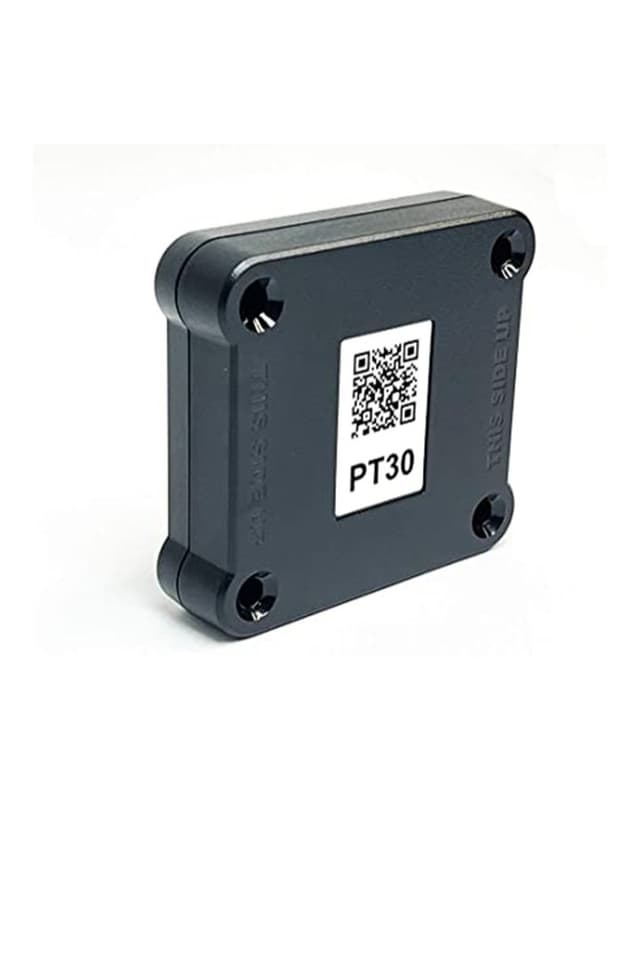
PacificTrack PT30 · Bluetooth LE + built-in GPS
Clocks
Know exactly how much road is left.
Kyro puts the clock that runs out first front and center, tells you when the next break is due, and keeps the rest one glance away.
11-hour drive
Driving time left before a 10-hour break is required.
30-minute break
Counted down from 8 hours of driving, so the stop never sneaks up.
14-hour shift
The on-duty window, with 7/3 and 8/2 sleeper splits worked out for you.
60/70-hour cycle
Rolling totals, tomorrow's recap hours and a 34-hour restart tracker.
Everything the rule asks for. Nothing it doesn't.
Roadside inspection, in two taps.
Flip to inspection mode and hand over the phone, or send the officer your logs through FMCSA web services or email. No printouts, no fumbling.
DVIR in minutes.
Pre- and post-trip inspections with photos of every defect, signed in the app and sent straight to maintenance.
No unassigned miles.
Every mile the truck moves without a driver logged in gets claimed or annotated — before an auditor asks.
IFTA miles, by state.
Jurisdiction miles captured from the PT30's GPS and ready for your quarterly fuel tax return.
Warnings, not violations.
Alerts before any limit runs out, so the next stop is a choice — not a citation.
Hardware
Plug in. Drive.
Kyro runs on the PacificTrack PT30 — a compact ELD with built-in GPS that reads engine data from the diagnostic port and talks to the Kyro app over Bluetooth Low Energy.
- 01Plug it in, engine off. Connect the cable to the PT30, then to the truck's diagnostic port. A slow green blink means it has power.
- 02Start the truck. Green blinks fast while the PT30 registers on the vehicle bus, then turns solid.
- 03Connect in the Kyro app. Pair inside Kyro — not in your phone's Bluetooth settings. The PT30 remembers the VIN from then on.
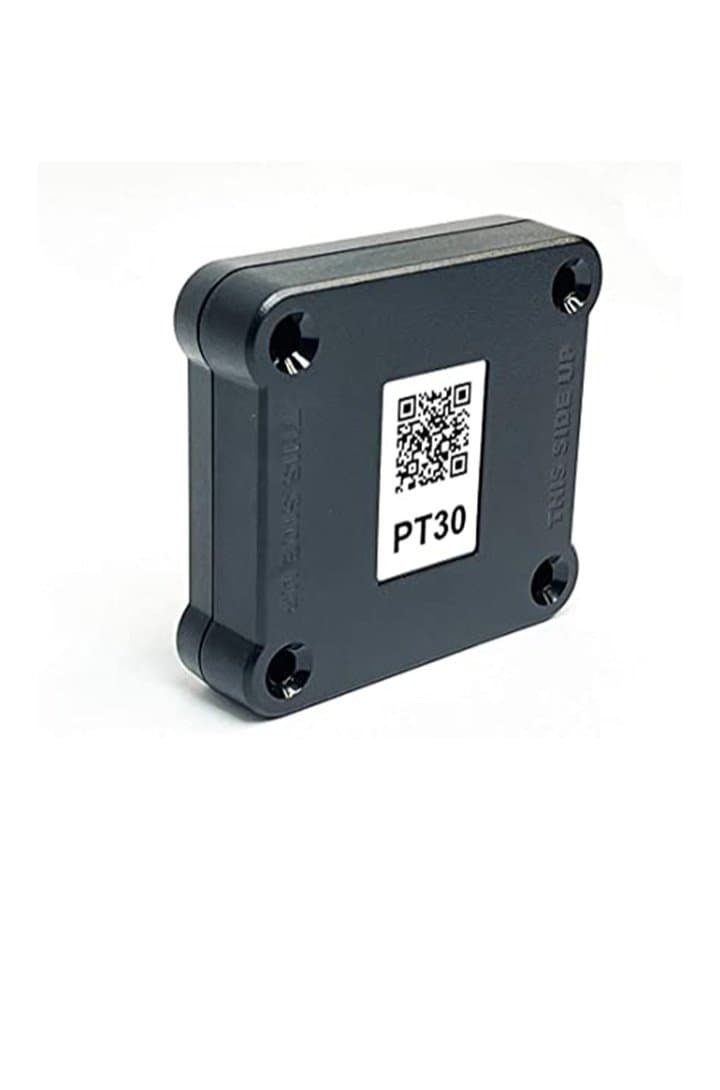
Read the lights.
Two LEDs on the PT30 tell drivers what's happening without opening the app. They may dim on their own to save power.
- Slow blink
- Powered, looking for the truck's bus
- Fast blink
- Bus found, registering
- Solid
- Registered — ready to connect
- Off
- Not plugged in
- Blinking
- Finding satellites — no need to wait
- Solid
- GPS locked
- Off
- GPS resting to save power
One device. The right cable for your truck.
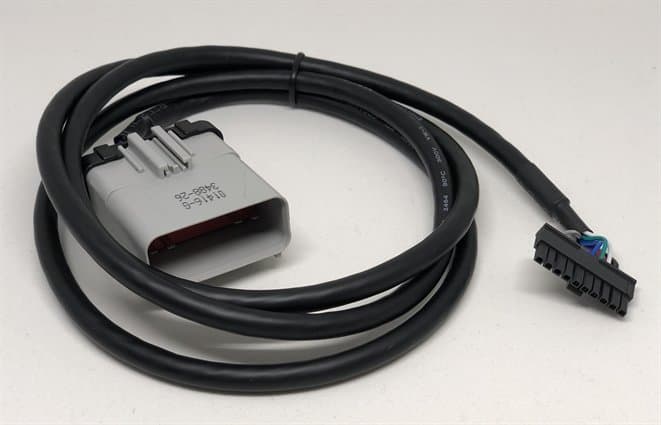
The PT30 connects through a cable matched to your truck's diagnostic port. Not sure which you have? Tell us the make, model and year and we'll ship the right one.
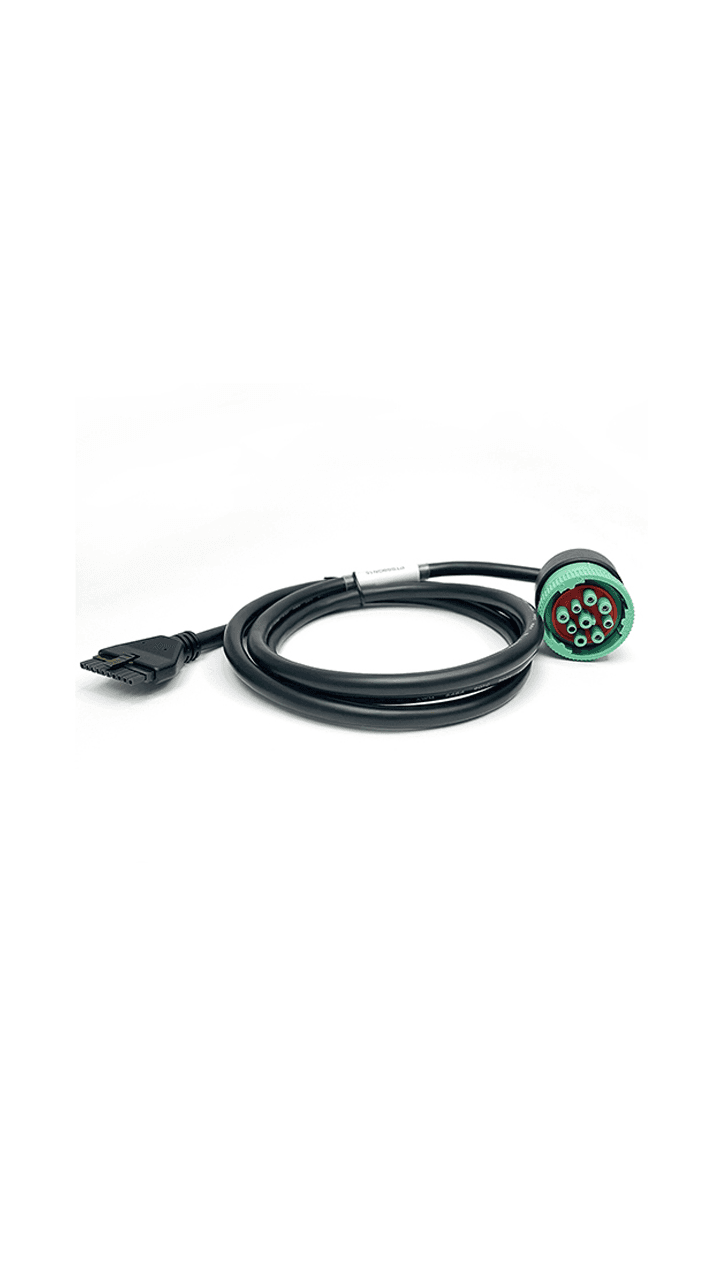 9-pin · J1939
Round 9-pin Deutsch port. Most heavy-duty trucks.
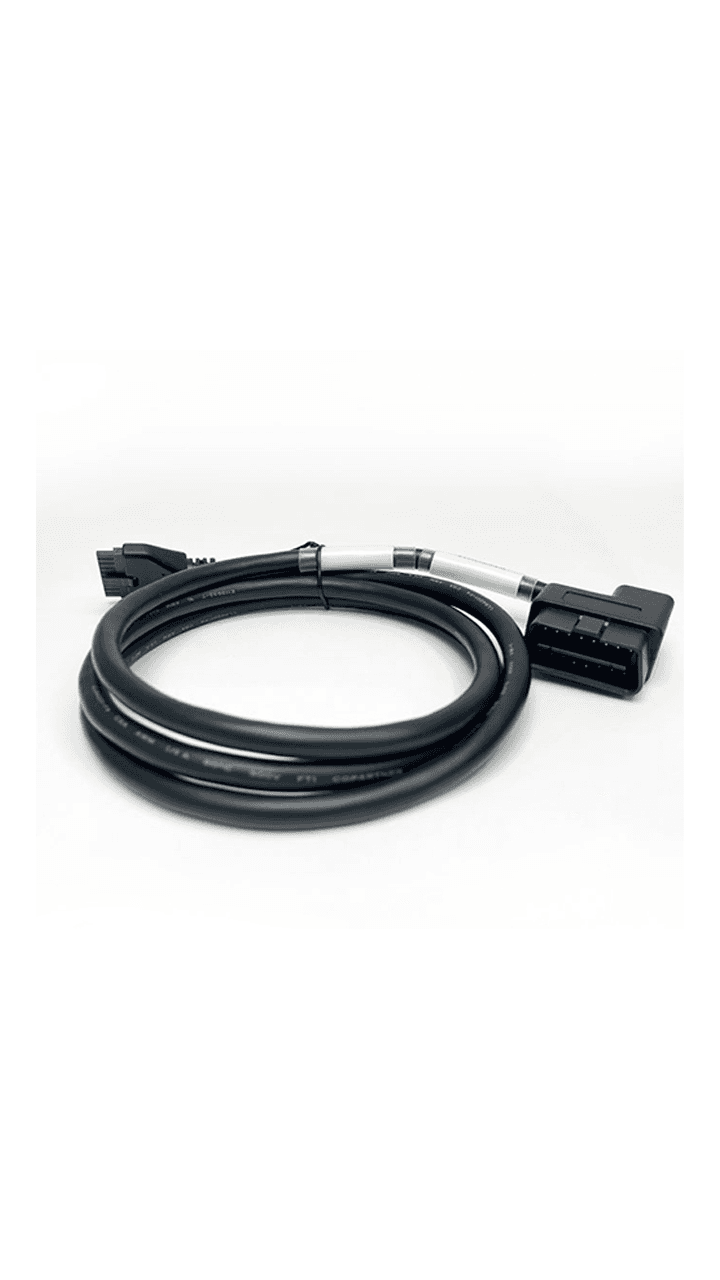 16-pin · OBD-II
Trapezoid port under the dash. Light and medium-duty, and many newer heavy-duty trucks.
 RP1226
The dedicated ELD port on newer trucks. Use it instead of the 9-pin when you have one.
- 6-pin · J1708
Round 6-pin port found on older trucks.
- 16-pin · Volvo / Mack
The Volvo and Mack version of the 16-pin port.
- 9-pin Y-cable
Shares the 9-pin port when another device is already plugged in.
For fleets
Every driver. Every clock. One screen.
See who's driving, who's close to a limit and whose logs need a fix — then request the edit without a phone call.
| Truck | Status | Drive left | Shift left | PT30 | Logs |
|---|---|---|---|---|---|
| Truck 104 | Driving | 4:18 | 6:58 | Connected | Certified |
| Truck 211 | Near limit | 0:28 | 1:05 | Connected | Certified |
| Truck 087 | Sleeper | 11:00 | 14:00 | Engine off | 1 edit to review |
Simple pricing. Per truck.
One device per truck. One monthly price per truck.
Kyro ELD
$14.99 / truck / month
- Driver app for iOS and Android
- HOS clocks, warnings and inspection mode
- DVIR and unassigned driving
Kyro Fleet
$24.99 / truck / month
- Everything in Kyro ELD
- Fleet dashboard and log edit requests
- Live GPS and IFTA mileage reports
PacificTrack PT30 + cable for your truck: $139.99, one time.
ELD questions, answered.
The basics of the FMCSA ELD rule, in plain English.
Who has to use an ELD?
Most drivers who must keep records of duty status (logs) under the hours-of-service rules. The exceptions: drivers who need logs on no more than 8 days in any 30-day period, driveaway-towaway drivers when the vehicle driven is part of the shipment, and vehicles manufactured before model year 2000. Short-haul drivers who qualify for the 150 air-mile exception don't keep logs at all, so they don't need an ELD.
How do I know an ELD is compliant?
Carriers may only use an ELD listed on FMCSA's registered ELDs list. Manufacturers self-certify their devices, and FMCSA can remove a device from the list if it doesn't meet the technical specifications — so check the list before you buy.
What do I need to keep in the truck?
An ELD information packet with three things: an instruction sheet on how to transfer your logs to a safety official, an instruction sheet on reporting malfunctions and keeping records during one, and enough blank paper log grids for at least 8 days.
What if my ELD stops working?
Note the malfunction and give your carrier written notice within 24 hours. Reconstruct your logs for the current 24 hours and the previous 7 days on paper grids (unless you can retrieve them), and keep paper logs until the ELD is fixed. The carrier has 8 days to repair or replace it, or must ask FMCSA for an extension.
How do I show my logs at a roadside inspection?
Either show them on the ELD's screen or transfer them to the officer. Telematics ELDs transfer through FMCSA web services or email; local ELDs use USB or Bluetooth. Your instruction sheet should walk you through it.
How long do logs have to be kept?
Drivers must be able to show the current day plus the previous 7 consecutive days. Carriers must keep records of duty status and supporting documents for at least 6 months.
What is unassigned driving?
Driving the ELD records while no driver is logged in. The carrier must review it and either assign it to the right driver or explain why it isn't assignable.
Based on FMCSA rules in 49 CFR Part 395. General information, not legal advice — check fmcsa.dot.gov for the latest guidance.
Your next inspection.
Already done.
Tell us about your fleet and we'll get you set up.
Get Kyro